Earn your scroll.
Leave the loop.
Your distracting apps stay locked until you do something good for yourself first — a minute of breathing, a short walk, a few push-ups. Then the scroll is yours.
Everything runs on-device. No data collected.
The flip
Blockers ask you to resist. Outloop asks you to grow.
Willpower runs out. The wall goes up, you stare at it, and sooner or later you tear it down. Nothing changed underneath.
Scrolling becomes a reward you unlock, not a reflex you fight. Built on positive reinforcement — the Premack principle — instead of punishment.
How it works
Three steps. No willpower required.
Pick what pulls you in
Choose the apps that eat your day. Outloop shields them behind Screen Time until you've earned your minutes.
Earn with a real action
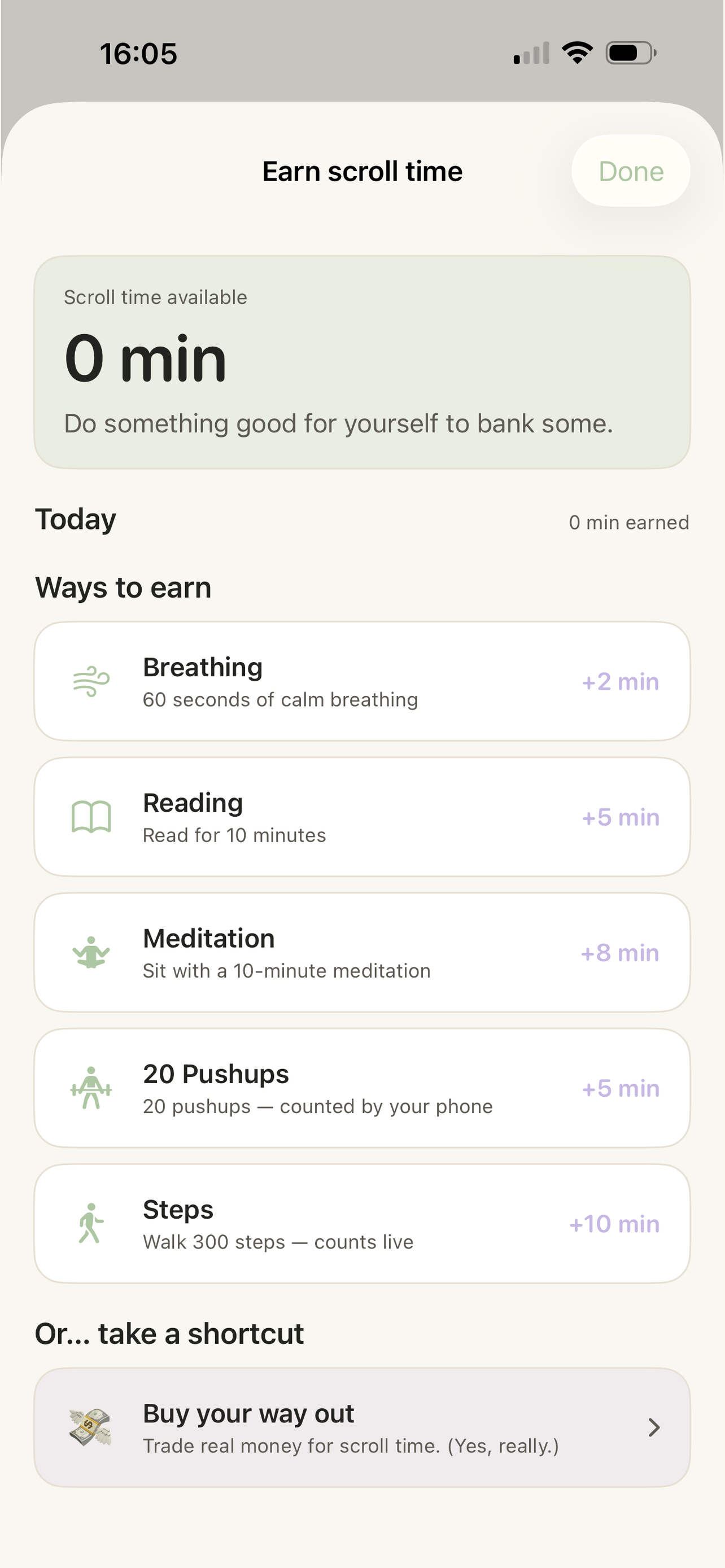
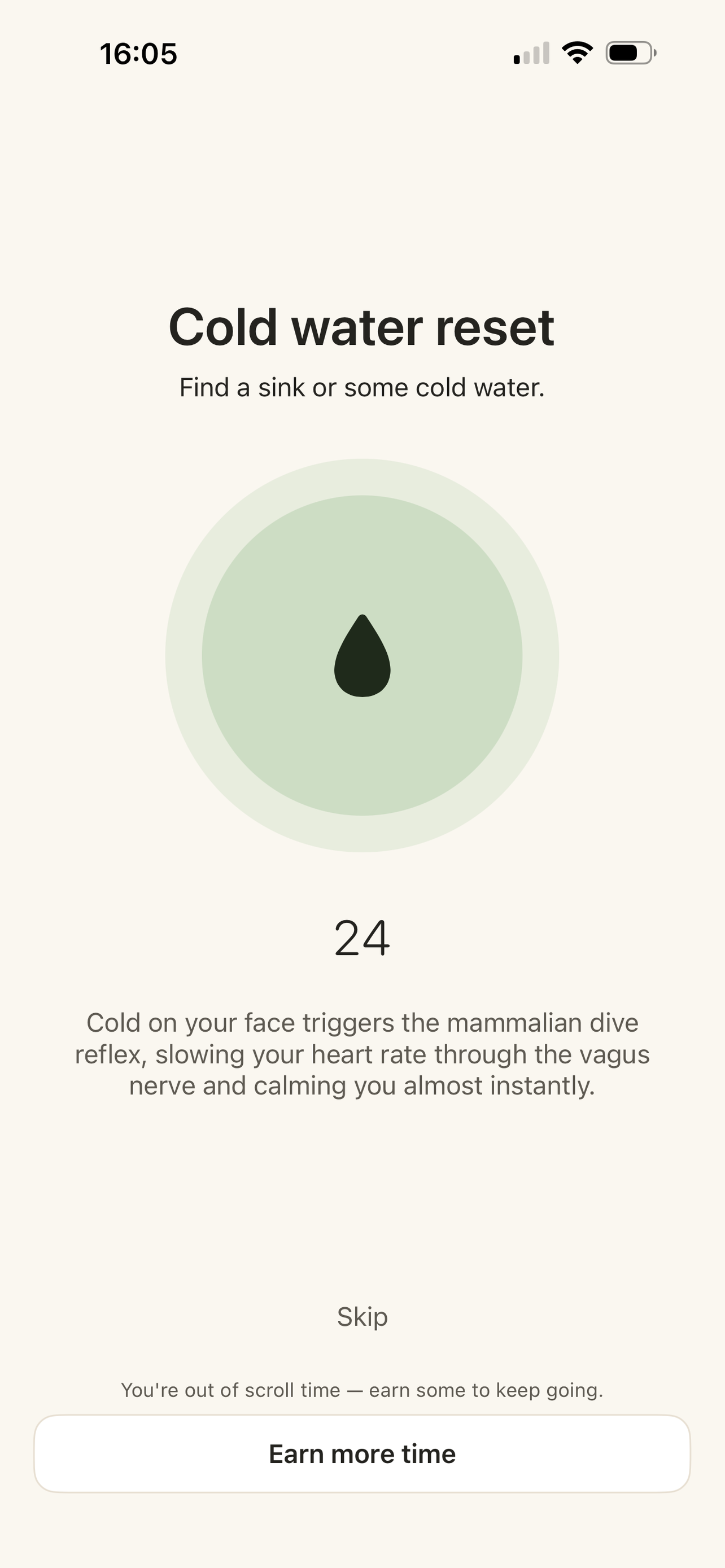
Out of time? A minute of breathing, a walk, or a few push-ups puts minutes back — counted live, never a fake "I did it" button.
Spend it when you choose
Scroll with the time you earned. When it runs out, you get to decide what's worth earning more.
Features
Kind by design, honest by default.
Earn-to-Scroll
Healthy actions unlock screen time. The scroll becomes the reward, not the default.
Verified, not self-reported
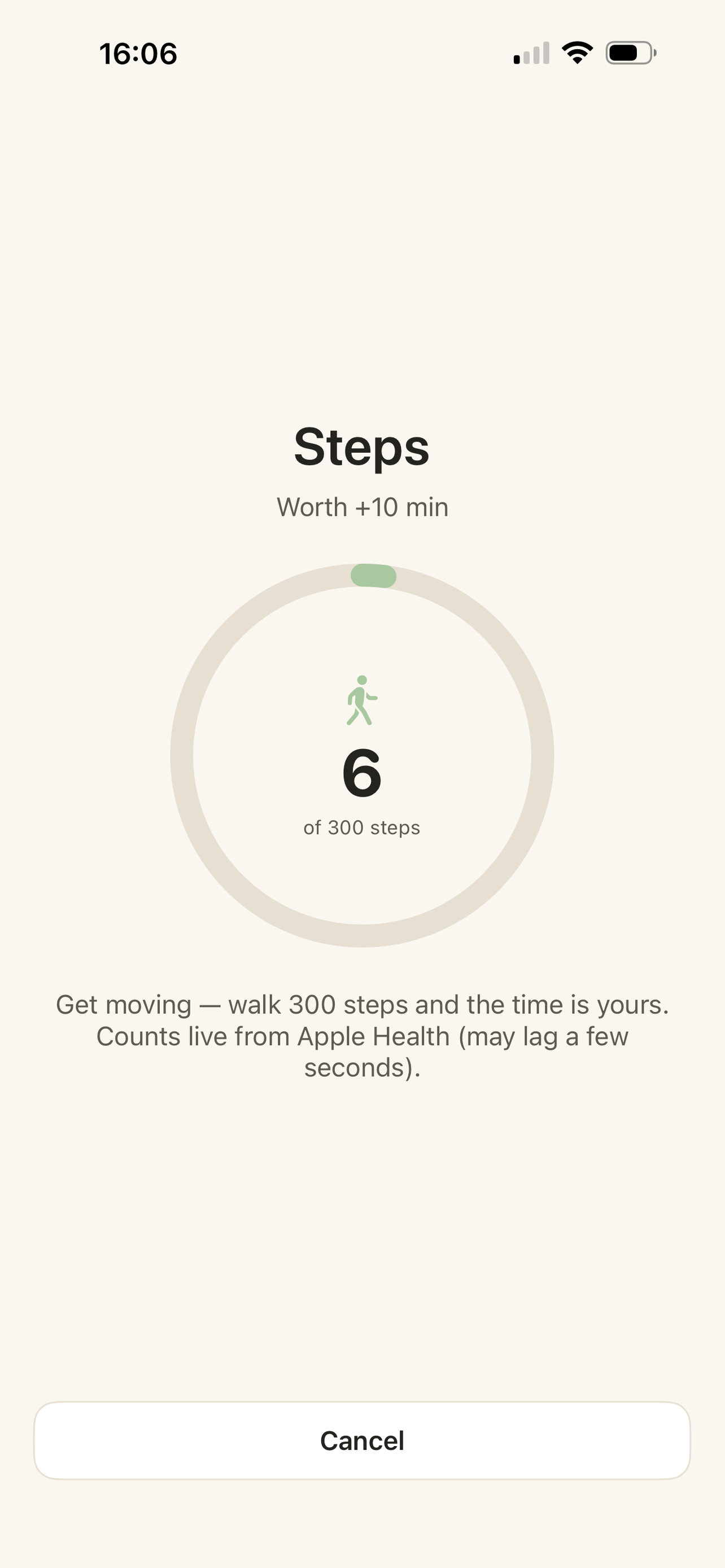
Steps count live from motion; push-ups are counted by the camera, on-device. No shortcuts.
A living garden
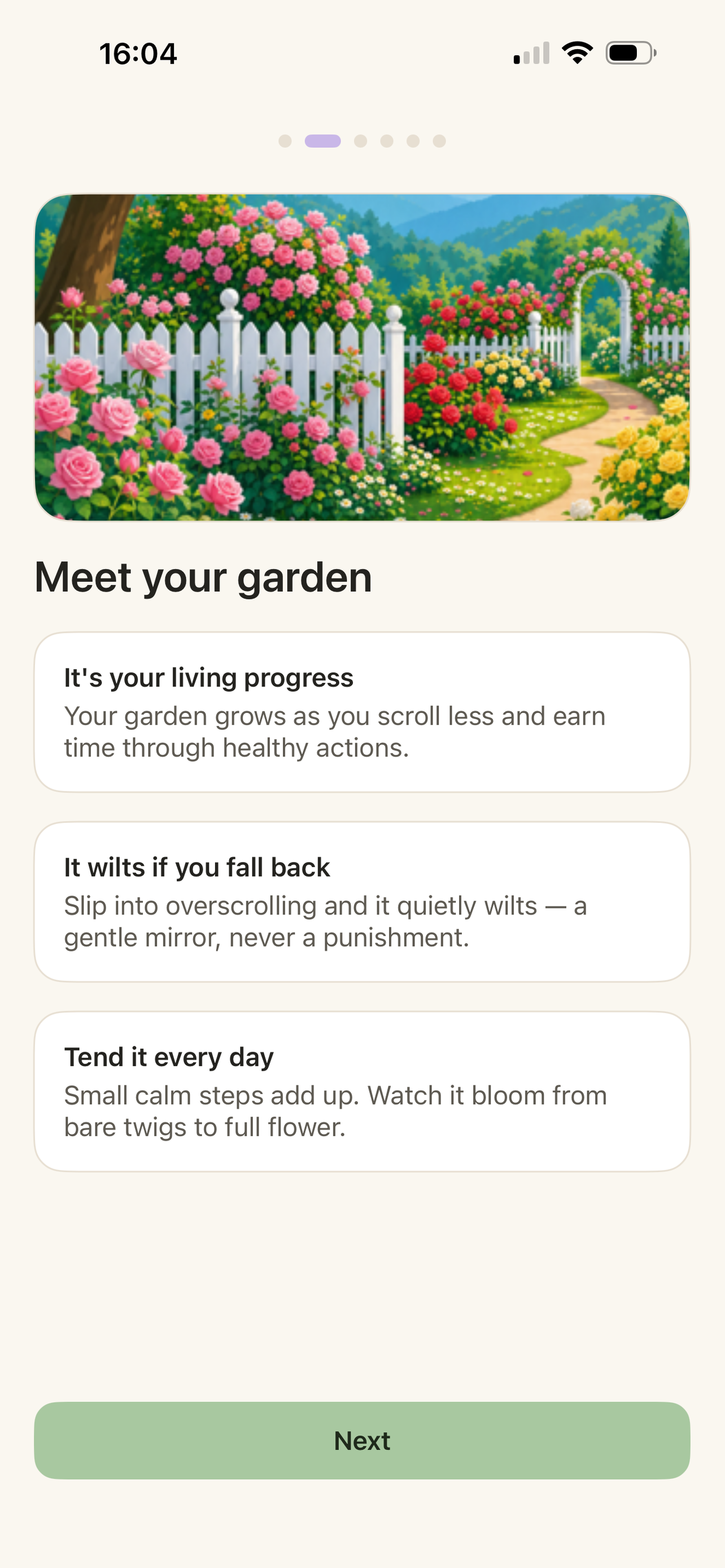
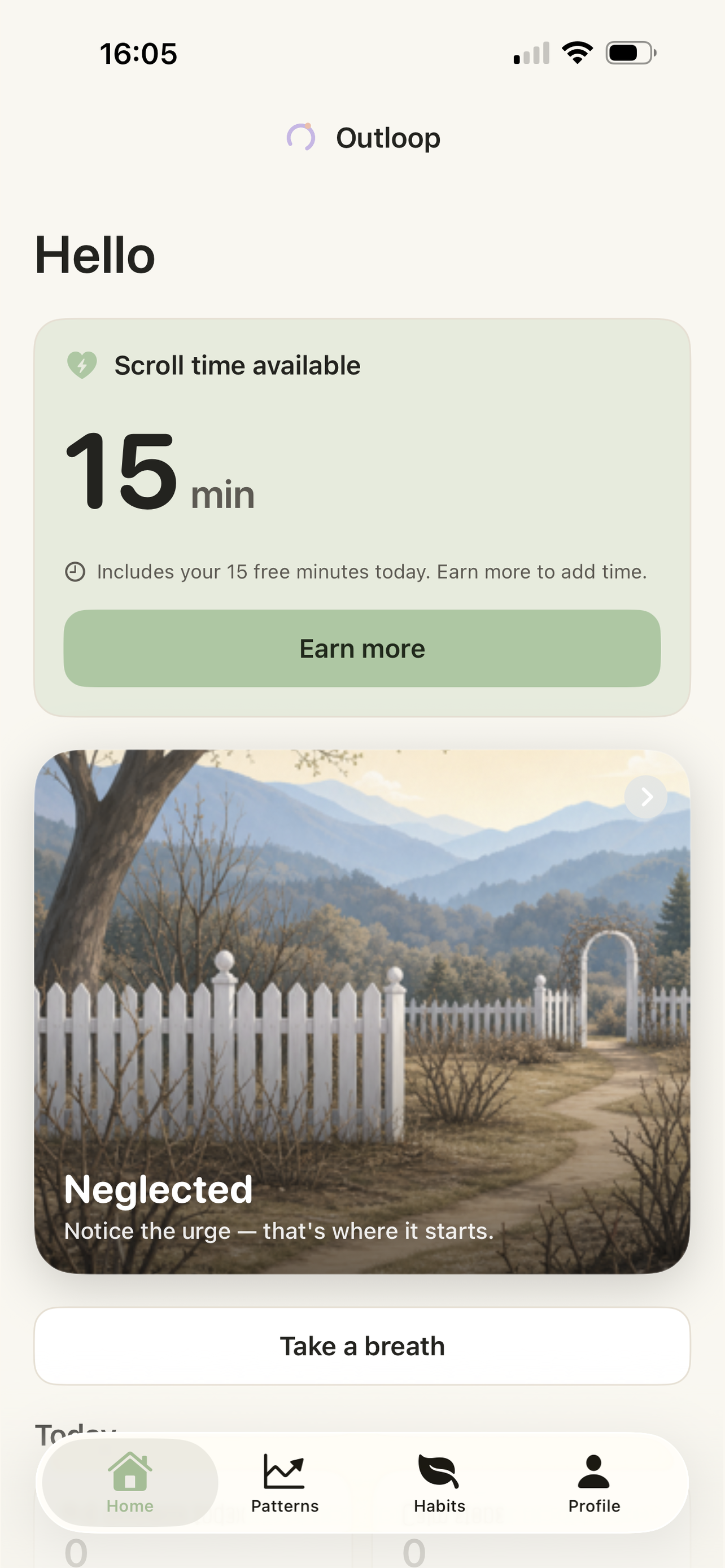
Your progress grows into a garden — and gently wilts if you slip. A mirror, never a punishment.
Real Screen Time insights
See where the time actually goes for the apps you chose to block.
Fully on-device
Everything runs on your iPhone. No accounts, no tracking, nothing collected.
Light & dark mode
A calm interface that mirrors the app, day or night.
The garden
Watch it grow. Watch it wilt.
Every earned minute and every quiet day tends your garden. Bare twigs turn to full flower as the habit holds — and if you slip back into the loop, it wilts, softly.
It's a reflection of how you're doing, not a scoreboard to lose.
Free to start. More when you want it.
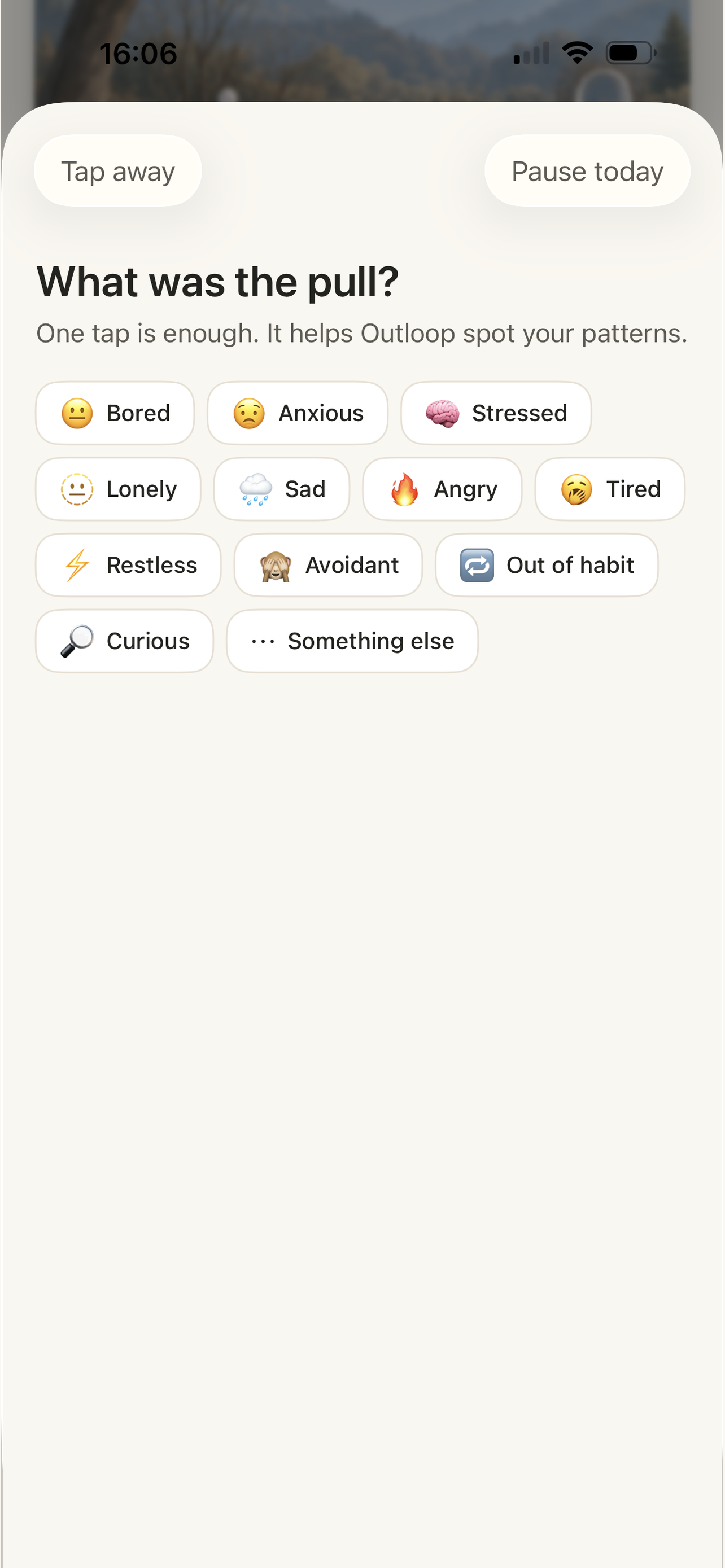
Premium unlocks every earn action and deeper insight into your patterns — the gentle why behind the pull, so the habit gets easier to keep.
Start freeBuy your way out
Really don't feel like earning it? Trade real money for scroll time. It's a self-aware little nudge about what your attention is actually worth.
The pain of paying is kind of the point.
Questions, answered.
Is my data private?+
Yes. Everything runs on-device. Outloop doesn't collect your data, and there are no accounts to sign up for.
Does it really block apps?+
Yes. Outloop uses Apple's Screen Time to shield the apps you choose until you've earned time to spend on them.
What can I do to earn time?+
Breathe for a minute, read, meditate, walk a few hundred steps, or do a set of push-ups. Movement is verified live, so it stays honest.
Is it free?+
Free to start. Outloop Premium is optional and unlocks all earn actions plus deeper insights into your patterns.
Which devices does it support?+
iPhone, on a recent version of iOS. That's it for now.
Scrolling isn't free anymore.
Earn it, and it feels a little better. Leave the loop, one small action at a time.
Download on theApp StoreFree to start · iPhone · Nothing collected